Allen-Bradley 2711C-F2M PanelView Component 2-in. Keypad
Allen-Bradley 2711C-F2M PanelView Component C200: 2-in. monochrome keypad terminal, 24V DC, serial (RS-232 / RS-485) communication for MicroLogix. NJT Automation sources the 2711C-F2M on request; send the part number for a replacement or repair quote.
Quote required. Request a quote below for pricing and delivery.
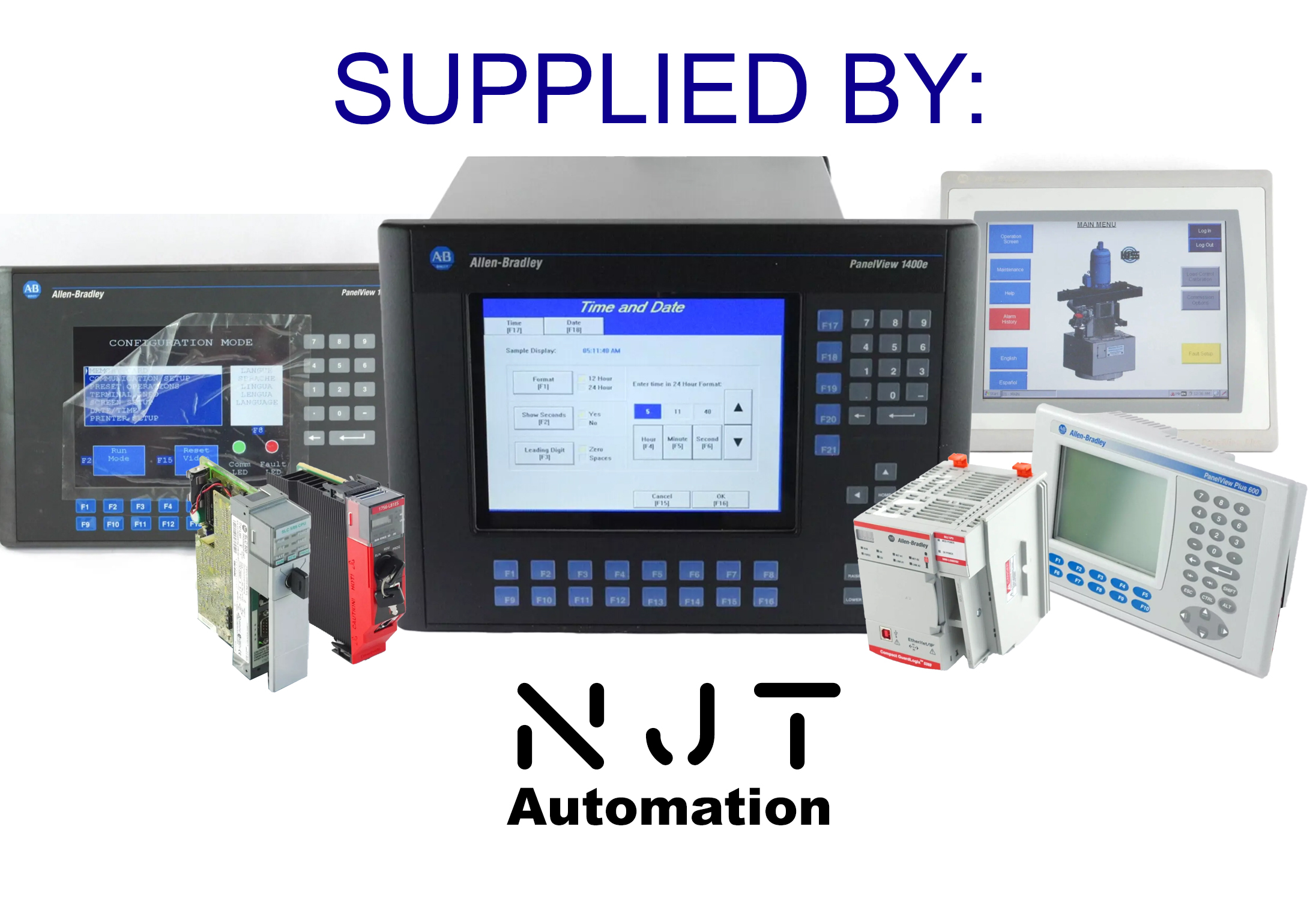
| Part Number | 2711C-F2M |
| Price | On Request Availability and condition determine final quote. |
| Description | PanelView Component C200 keypad terminal, 2-in. Keypad, 24V DC. |
| Shipping |
|
| Warranty | 1-year full-function warranty provided by NJT Automation. Warranty details
|
| Returns | 90-day free returns. View return policy |
| Exchange | Send us your defective 2711C-F2M after your purchase for a 10% core credit. We also purchase old or damaged parts outright. |
| Availability | Sourced on request We do not have a 2711C-F2M on the shelf right now. We can source one through our supplier network; request a quote and we confirm availability, price and lead time before you commit. |
| Sourcing | Sourced through our Level 1 network of vetted US suppliers. Each unit is checked before it ships and carries the same NJT warranty and return policy as our own stock. Quotes within one hour during business hours; typical delivery 3–5 business days, next-day air available. Sourced parts are not available for local pickup. |
| Repairs | 2711C-F2M Mail-In Repair Service |
Part Number Decoder | PanelView Component C200 keypad terminal 2711CF2M
Decoded from the Rockwell Automation catalog-number structure. Series and firmware revision are printed on the product label, not encoded here. |
Intended Use | Built for basic standalone machine operator interface applications. PanelView Component terminals serve as the operator screen on small standalone machines and panels controlled by MicroLogix and other compact PLCs. |
| Category | PanelView Component |
| Part Number | 2711C-F2M |
| Manufacturer | Allen-Bradley |
Can the 2711C-F2M be repaired?
Yes. NJT Automation repairs the 2711C-F2M by mail-in: diagnostic evaluation, component-level repair and a functional test, backed by a 1-year full-function warranty.
Option 1
NJT managed repair
- Evaluation
- Free. No repair, no charge.
- Shipping
- Prepaid UPS label both ways.
- Pricing
- $650 minimum. Rush service available.
- Warranty
- 1-year full-function warranty included; 2- and 3-year options.
Option 2
Independent repair bids. Compare quotes from independent repair technicians. Post your repair on RepairMode to receive competitive bids from experienced technicians. Each technician sets their own pricing and warranty.
Common Failures
Failure patterns we regularly see on PanelView Component C200 keypad terminal hardware like the 2711C-F2M:
- Cracked bezel or gasket damage allowing ingress
- Lines, dead pixels or low contrast on the LCD
- Application lost or terminal will not boot after a power event: control board flash fault
- Serial or Ethernet port dead or dropping the controller connection
- No power LED or random restarts: failed electrolytic capacitors on the power supply section
Fault code reference
2711C-F2M Fault Codes
2 codes · Knowledgebase 1136171 and 59218
Fault codes a PanelView Component C200 keypad terminal reports on the start-up screen (shown as Fatal followed by a two-character POST code), as documented in Rockwell Automation Knowledgebase articles 1136171 and 59218. Use them to narrow a problem down to the unit, its wiring or the application before sending it in for repair.
Fatal start-up (POST) codes
| Code | Failure | What it indicates |
|---|---|---|
| Fatal 31 | POST stuck key | One or more physical keys is pressed during boot. Make sure no key is pressed and cycle power; restore the terminal to factory defaults; if it persists, the fault is in the keypad hardware. The application cannot be retrieved while the terminal stops at this error. |
| Fatal 3A | POST stuck touch | The touch screen reports a constant touch during boot. Make sure nothing presses on the screen, remove a damaged anti-glare overlay, cycle power; if it persists, the fault is in the touch screen hardware. |
Where the manual's only remedy for a code is to replace the unit or module, the code is pointing at a hardware fault inside that part. Those are the faults NJT Automation repairs at component level, so a repair quote is usually the first thing to check before buying a replacement.
Source: Rockwell Automation Knowledgebase articles 1136171 and 59218, PanelView 800 / PanelView Component: Fatal 31 and Fatal 3A errors on startup. Codes are listed as documented; fault behaviour can vary by firmware revision, so confirm against the manual for your unit's series.
Photos by NJT Automation; test videos from NJT or network repair technicians.
Still have questions?
Find answers to shipping, warranties, repairs, and more.