Allen-Bradley 2711P-T12W22D9P PanelView Plus 7 12.1-in. Touch – Pickup in Store
In stock: 2 units in Milwaukee, WI. Physically stocked and ready to ship or available for local pickup. Includes a 1-year full-function warranty.
PanelView Plus 7 Performance 12.1-in. widescreen color TFT touch terminal · dual Ethernet ports (DLR) · 24V DC powered

Actual NJT inventory photos
| Part Number | 2711P-T12W22D9P |
| Description | PanelView Plus 7 Performance touch terminal, 12.1-in. Touch, 24V DC. In stock in used and unused surplus condition, Series B. |
| Shipping | Ships same or next business day
|
| Pickup | Free local pickup at 2122 N Prospect Ave. Call ahead at (414) 331-5954. |
| Warranty | 1-year full-function warranty provided by NJT Automation. Warranty details
|
| Returns | 90-day free returns. View return policy |
| Exchange | Send us your defective 2711P-T12W22D9P after your purchase for a 10% core credit. We also purchase old or damaged parts outright. |
Replacement Options for 2711P-T12W22D9P


| Variants | |||||||||||||||||||||||
| Availability | 2 units in stock | ||||||||||||||||||||||
| Repairs | 2711P-T12W22D9P Mail-In Repair ServiceEstimated: $1,295.00 | ||||||||||||||||||||||
Part Number Decoder | PanelView Plus 7 Performance touch terminal 2711PT12WW22D9P
Decoded from the Rockwell Automation catalog-number structure. Series and firmware revision are printed on the product label, not encoded here. | ||||||||||||||||||||||
Series & Revisions | Series B in stock; other series on request. Series A: Windows CE 6.0, 512 MB RAM, firmware up to v12. Series B: Windows 10 IoT Core, 4 GB RAM, firmware v12 and later; no Windows desktop or Remote Desktop client (VNC remote access remains). AC-powered models exist as Series A only; Series B is 24V DC. Series notes: Series B terminals may replace Series A terminals in compatible applications, but differences in operating systems, firmware, and supported features must be evaluated before replacement. Existing FactoryTalk View ME applications may require updates or modifications. A Series A can stand in for a Series B only if the runtime is saved for ME v12; its firmware stops there, so a project saved in ME v13 or later will not load. | ||||||||||||||||||||||
Intended Use | Intended for machine operator interface (HMI) applications. PanelView Plus 7 terminals with a 12.1-in. display give operators graphics, alarms and trends for packaging, food and beverage, pharmaceutical, automotive and water applications, communicating with Logix controllers over EtherNet/IP and running FactoryTalk View ME applications. | ||||||||||||||||||||||
Physical Data | Weight and DimensionsWeight5.60 lb (2.54 kg)H × W × D9.4 × 13.4 × 2.7 in. (240 × 340 × 69.6 mm)
Product weight and dimensions are typical manufacturer-published values and may differ by series or option. Shipping box and weight are estimates for freight planning; the packed unit may ship in a different box. | ||||||||||||||||||||||
Similar Part Numbers |
| ||||||||||||||||||||||
Allen Bradley Information | Technical Specifications11 parameters from manufacturer-published specifications
Typical manufacturer-published values for this catalog number; confirm against the current manufacturer documentation before specifying. | ||||||||||||||||||||||
| Category | PanelView Plus | ||||||||||||||||||||||
| UPC / GTIN | 0885630844695 | ||||||||||||||||||||||
| Part Number | 2711P-T12W22D9P | ||||||||||||||||||||||
| Manufacturer | Allen-Bradley | ||||||||||||||||||||||
Previously sold 2711P-T12W22D9P11 sold · +13 on eBay
NJT Automation has supplied and shipped 11 2711P-T12W22D9P PanelView Plus 7 Performance touch terminals since 2024; these listings are sold and the in-stock options above are ready to ship.
- Sold
- 11 since 2024
- Series
- A × 6, B × 5


Image gallery129 PHOTOSActual units photographed by NJT
Can the 2711P-T12W22D9P be repaired?
Yes. NJT Automation repairs the 2711P-T12W22D9P by mail-in: diagnostic evaluation, component-level repair and a functional test, backed by a 1-year full-function warranty.
Option 1
NJT managed repair
- Evaluation
- Free. No repair, no charge.
- Shipping
- Prepaid UPS label both ways.
- Pricing
- $650 minimum. Rush service available.
- Warranty
- 1-year full-function warranty included; 2- and 3-year options.
Option 2
Independent repair bids. Compare quotes from independent repair technicians. Post your repair on RepairMode to receive competitive bids from experienced technicians. Each technician sets their own pricing and warranty.
Common Failures
Failure patterns we regularly see on PanelView Plus 7 Performance touch terminal hardware like the 2711P-T12W22D9P:
- Cracked bezel or compressed gasket letting washdown or oil mist corrode the boards
- No power LED or resets under load after a 24V DC surge or brownout: failed electrolytic capacitors or input protection on the power supply board
- Overlay scratched, bubbled or delaminating so touch accuracy and readability degrade
- Touch controller board fault: calibration will not hold, or whole-screen dead zones with an undamaged overlay
- Vertical or horizontal lines, dead pixels or image retention on the LCD
Fault code reference
2711P-T12W22D9P Fault Codes
6 codes · 2711P-UM008
Fault codes a PanelView Plus 7 Performance touch terminal reports on the start-up screen (shown as Fatal followed by a two-character code) and the ERR (red) and STS (green) indicators on the back of the terminal, as documented in Rockwell Automation publication 2711P-UM008. Use them to narrow a problem down to the unit, its wiring or the application before sending it in for repair.
Fatal start-up codes
| Code | Failure | What it indicates |
|---|---|---|
| Fatal 02 | Watchdog error | A watchdog reset occurred. By default the terminal shows the error at start-up and halts at the maintenance window instead of booting the application; monitor for recurrence. |
| Fatal 3A | Stuck touch | The start-up self-test found a touch cell held or stuck. Make sure nothing is pressing on the screen (including a damaged anti-glare overlay) and reset the terminal without touching it; if it persists, the fault is in the touch screen / display assembly. |
Fatal 02 is documented in 2711P-UM007 / UM008; Fatal 3A on PanelView Plus 7 is documented in the Rockwell Knowledgebase article "PanelView Plus Fatal 3A at Boot up", which covers all PanelView Plus, Plus 6 and Plus 7 touch models.
Status indicator states during start-up
| Indicators | State | What it indicates |
|---|---|---|
| ERR blinking · STS off | Recoverable firmware error / configuration failure | Reload the firmware or restore the terminal to its factory default image. |
| ERR on · STS on | Fatal hardware error | A hardware fault inside the terminal that a reset or firmware reload will not clear. |
| ERR on · STS blinking | Fatal display hardware error | A hardware fault in the terminal's display section that a reset or firmware reload will not clear. |
| ERR off · STS off | No power | Indicators flash at start-up and STS stays on after a successful boot; if both stay off, check the power cable and supply. |
Where the manual's only remedy for a code is to replace the unit or module, the code is pointing at a hardware fault inside that part. Those are the faults NJT Automation repairs at component level, so a repair quote is usually the first thing to check before buying a replacement.
Source: Rockwell Automation publication 2711P-UM008, PanelView Plus 7 Performance Terminals User Manual. Codes are listed as documented; fault behaviour can vary by firmware revision, so confirm against the manual for your unit's series.
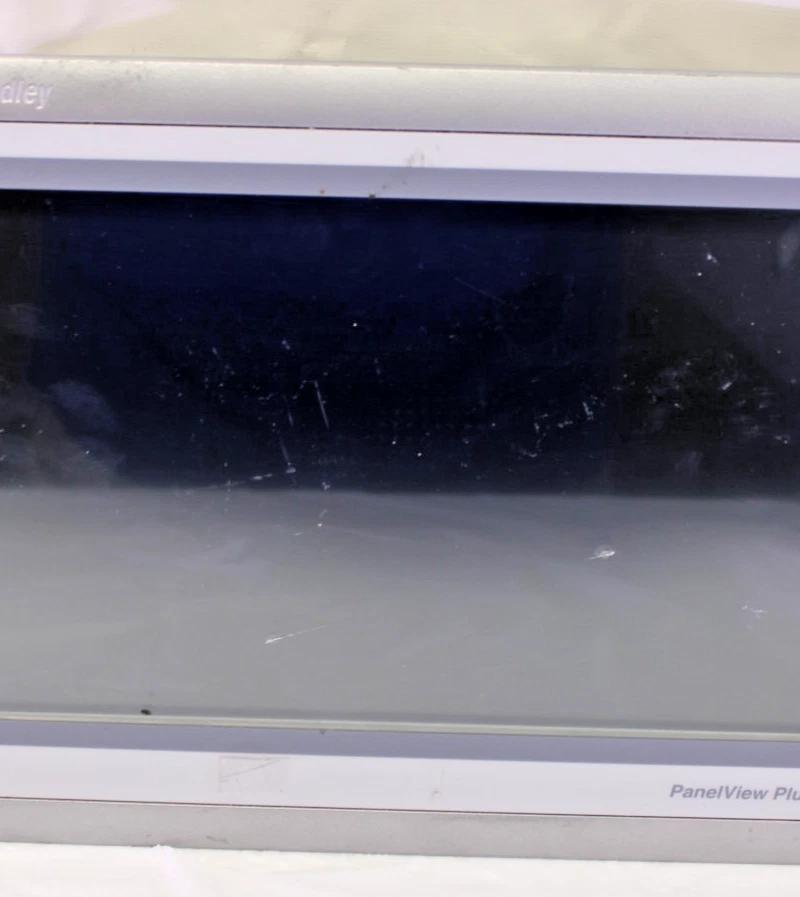
Photos by NJT Automation; test videos from NJT or network repair technicians.
Still have questions?
Find answers to shipping, warranties, repairs, and more.