Allen-Bradley 2711R-T10T PanelView 800 10-in. Keypad + Touch, 256 MB
Allen-Bradley 2711R-T10T PanelView 800 10-in. color touch terminal, 24V DC, 800 MHz CPU with 256 MB flash / 256 MB RAM. NJT Automation sources the 2711R-T10T on request; send the part number for a replacement or repair quote.
Quote required. Request a quote below for pricing and delivery.
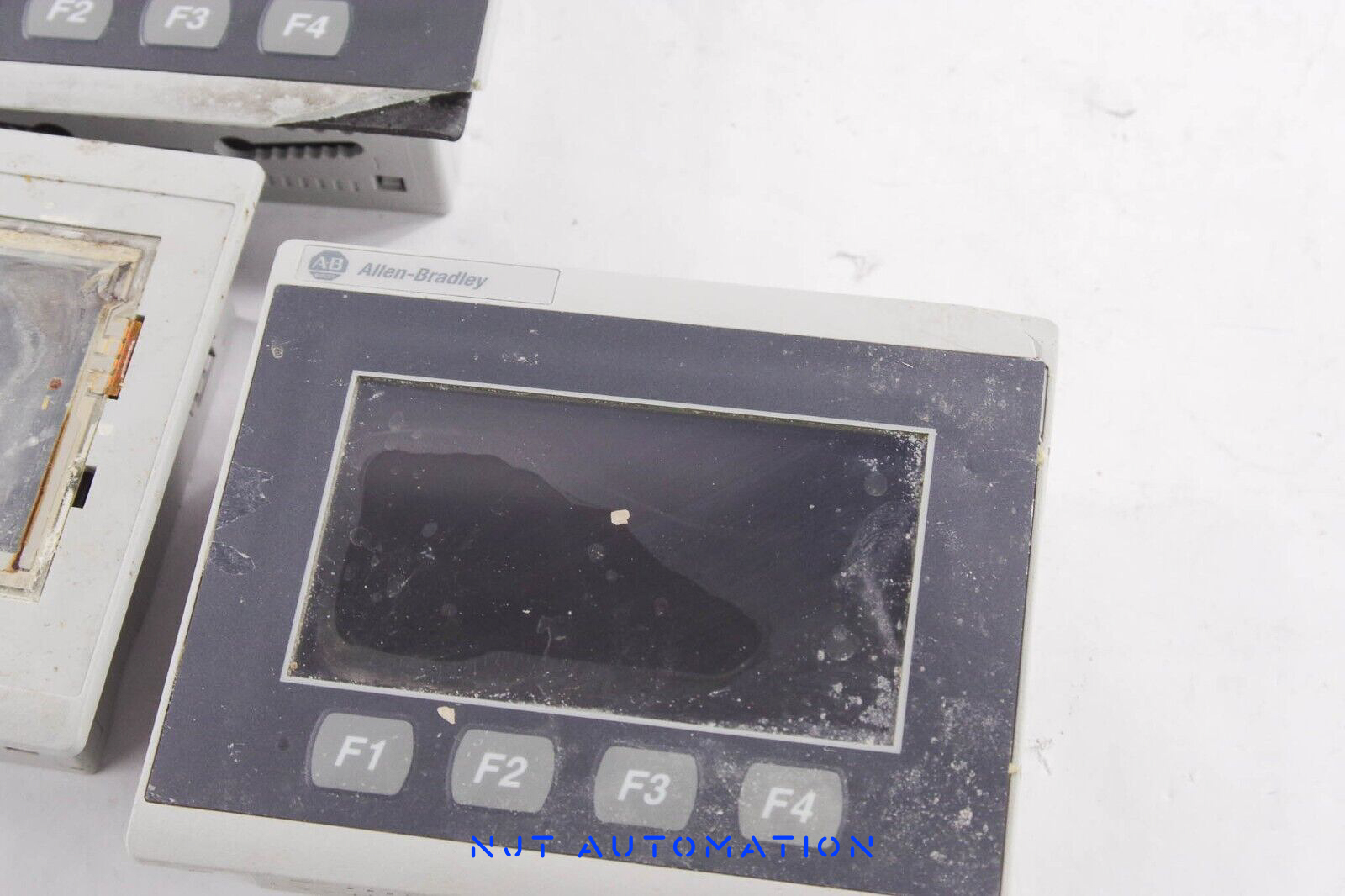
Actual NJT inventory photos
| Part Number | 2711R-T10T |
| Price | On Request Availability and condition determine final quote. |
| Description | PanelView 800 graphic terminal, 10-in. Keypad + Touch, 256 MB. |
| Shipping |
|
| Warranty | 1-year full-function warranty provided by NJT Automation. Warranty details
|
| Returns | 90-day free returns. View return policy |
| Exchange | Send in your defective 2711R-T10T for a 10% core credit. |
| Availability | Sourced on RequestNot an OEM-Authorized Distributor We do not have a 2711R-T10T on the shelf right now. We can source one through our supplier network; request a quote and we confirm availability, price and lead time before you commit. |
| Sourcing | Sourced through our Level 1 network of vetted US suppliers. Each unit is checked before it ships and carries the same NJT warranty and return policy as our own stock. Quotes within one hour during business hours; typical delivery 3–5 business days, next-day air available. Sourced parts are not available for local pickup. |
| Repairs | 2711R-T10T Mail-In Repair Service |
Part Number Decoder | PanelView 800 graphic terminal 2711RT10T
Decoded from the Rockwell Automation catalog-number structure. Series and firmware revision are printed on the product label, not encoded here. |
Intended Use | Built for operator interface on standalone machines applications. PanelView 800 terminals pair with Micro800 and MicroLogix controllers on OEM machines, pump panels and small process skids where a modern graphic HMI is needed at a component price. |
Similar Part Numbers | |
| Category | PanelView 800 |
| Part Number | 2711R-T10T |
| Manufacturer | Allen-Bradley |
Can the 2711R-T10T be repaired?
Yes. NJT Automation repairs the 2711R-T10T by mail-in: diagnostic evaluation, component-level repair and a functional test.
Option 1
NJT Managed Repair
- Evaluation
- Free evaluation.
- Shipping
- Free UPS shipping both ways, including unrepairable returns. Local drop-off and pickup available.
- Pricing
- $650 minimum for successful repairs.
- Warranty
- 1-year full-function warranty included. 2- and 3-year options available.
Option 2
Independent repair bids. Compare quotes from independent repair technicians. Post your repair on RepairMode to receive competitive bids from experienced technicians. Each technician sets their own pricing and warranty.
Common Failures
Failure patterns we regularly see on PanelView 800 graphic terminal hardware like the 2711R-T10T:
- No power LED or resets under load: failed capacitors or input protection on the power supply section
- Ethernet or serial port dead or dropping the controller connection after a surge
- MicroSD or application corruption after a power loss during a write
- Lines or dead pixels on the LCD
- Cracked bezel or compressed gasket allowing ingress
Fault code reference
2711R-T10T Fault Codes
2 codes · Knowledgebase 1136171 and 59218View codesHide codes
Fault code reference
2711R-T10T Fault Codes
Fault codes a PanelView 800 graphic terminal reports on the start-up screen (shown as Fatal followed by a two-character POST code), as documented in Rockwell Automation Knowledgebase articles 1136171 and 59218. Use them to narrow a problem down to the unit, its wiring or the application before sending it in for repair.
Fatal start-up (POST) codes
| Code | Failure | What it indicates |
|---|---|---|
| Fatal 31 | POST stuck key | One or more physical keys is pressed during boot. Make sure no key is pressed and cycle power; restore the terminal to factory defaults; if it persists, the fault is in the keypad hardware. The application cannot be retrieved while the terminal stops at this error. |
| Fatal 3A | POST stuck touch | The touch screen reports a constant touch during boot. Make sure nothing presses on the screen, remove a damaged anti-glare overlay, cycle power; if it persists, the fault is in the touch screen hardware. |
Where the manual's only remedy for a code is to replace the unit or module, the code is pointing at a hardware fault inside that part. Those are the faults NJT Automation repairs at component level, so a repair quote is usually the first thing to check before buying a replacement.
Source: Rockwell Automation Knowledgebase articles 1136171 and 59218, PanelView 800 / PanelView Component: Fatal 31 and Fatal 3A errors on startup. Codes are listed as documented; fault behaviour can vary by firmware revision, so confirm against the manual for your unit's series.
PanelView 800 and PanelView Component fault code reference · every code and every part number it covers
Photos by NJT Automation; test videos from NJT or network repair technicians.
Still have questions?
Find answers to shipping, warranties, repairs, and more.